2025 · TypeScript
URDF Studio
Inspect, visualize and author URDF / xacro models inside VS Code
- TypeScript
- Three.js
- URDF
- VS Code
Overview
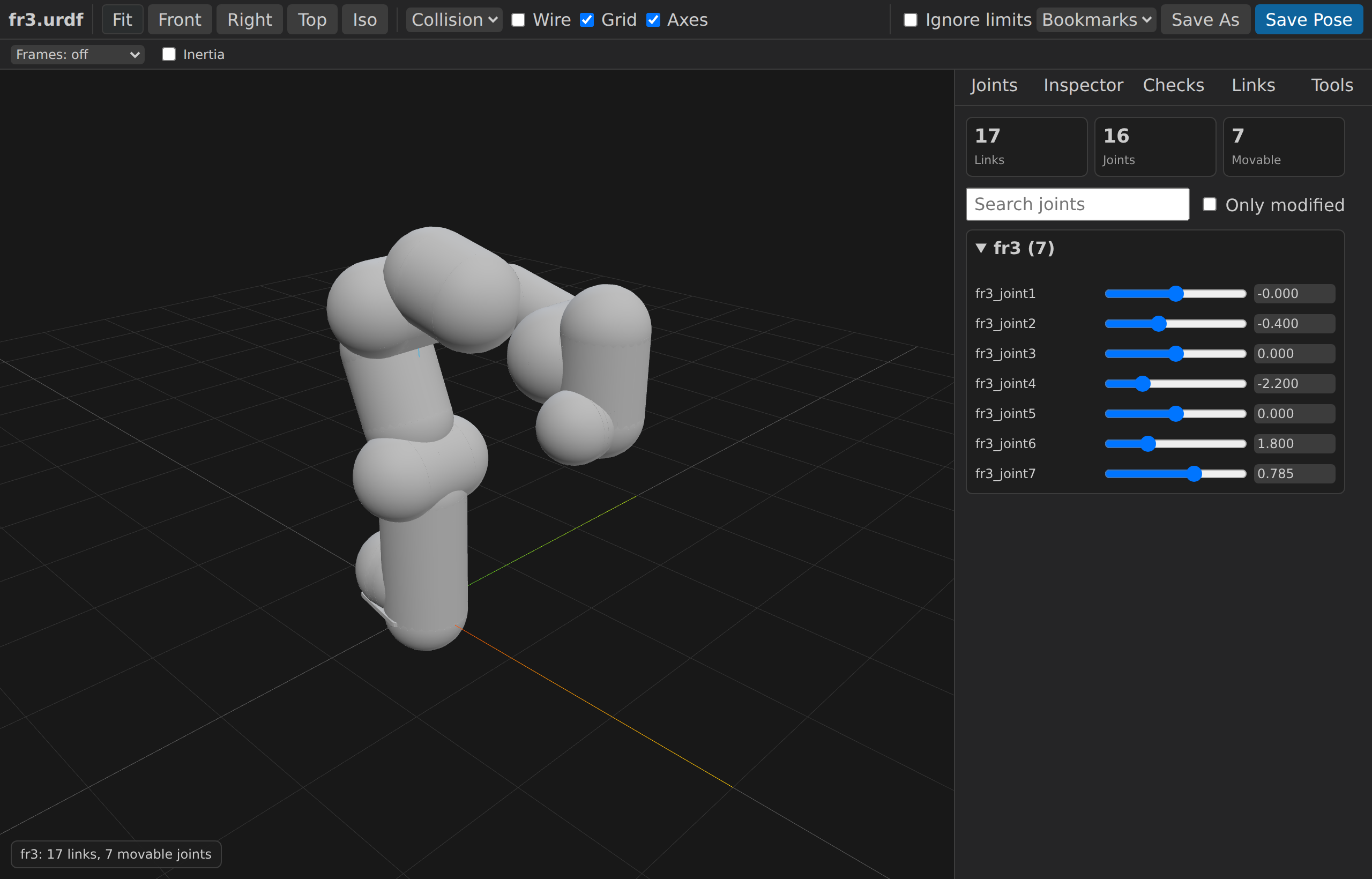
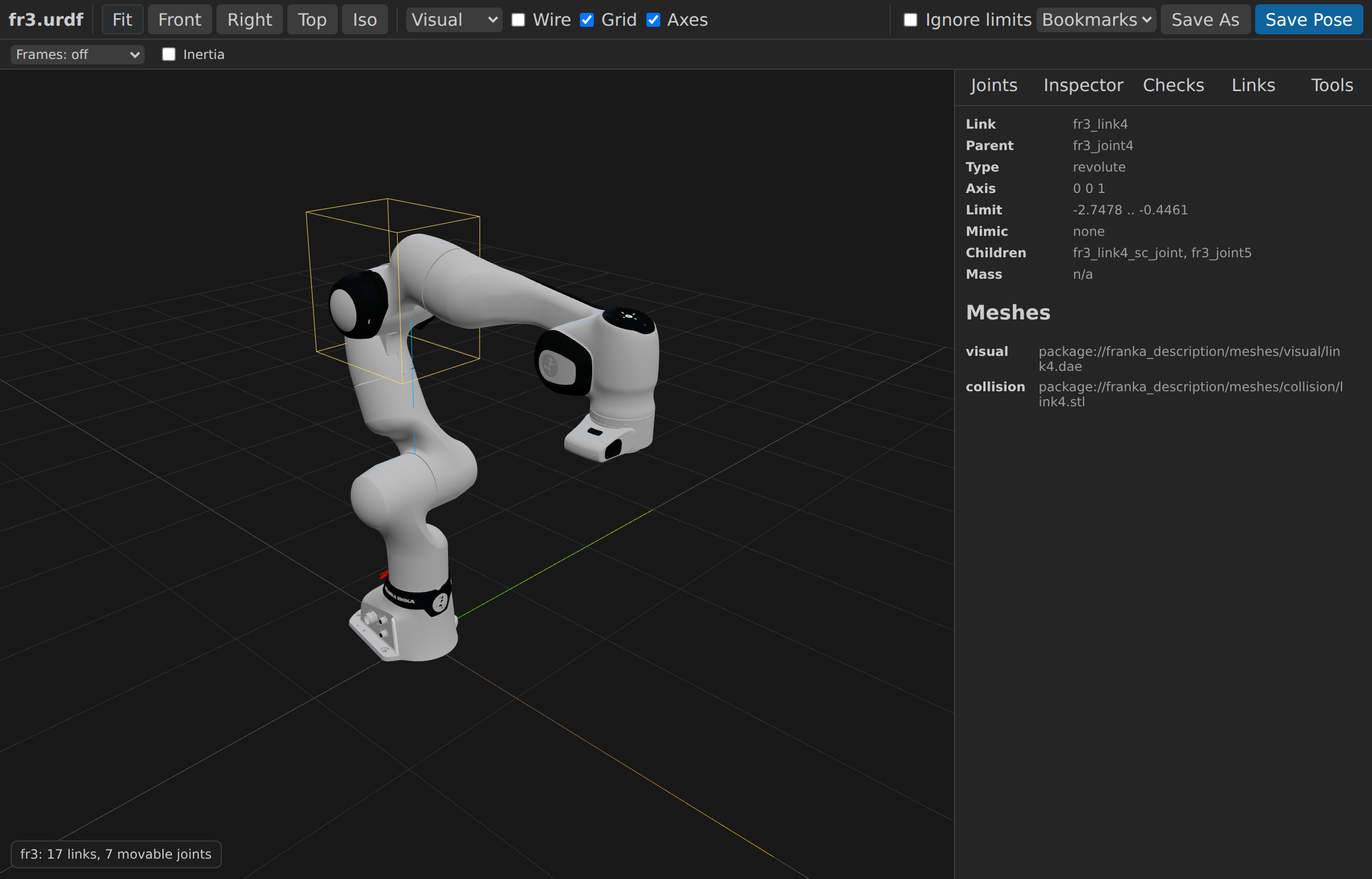
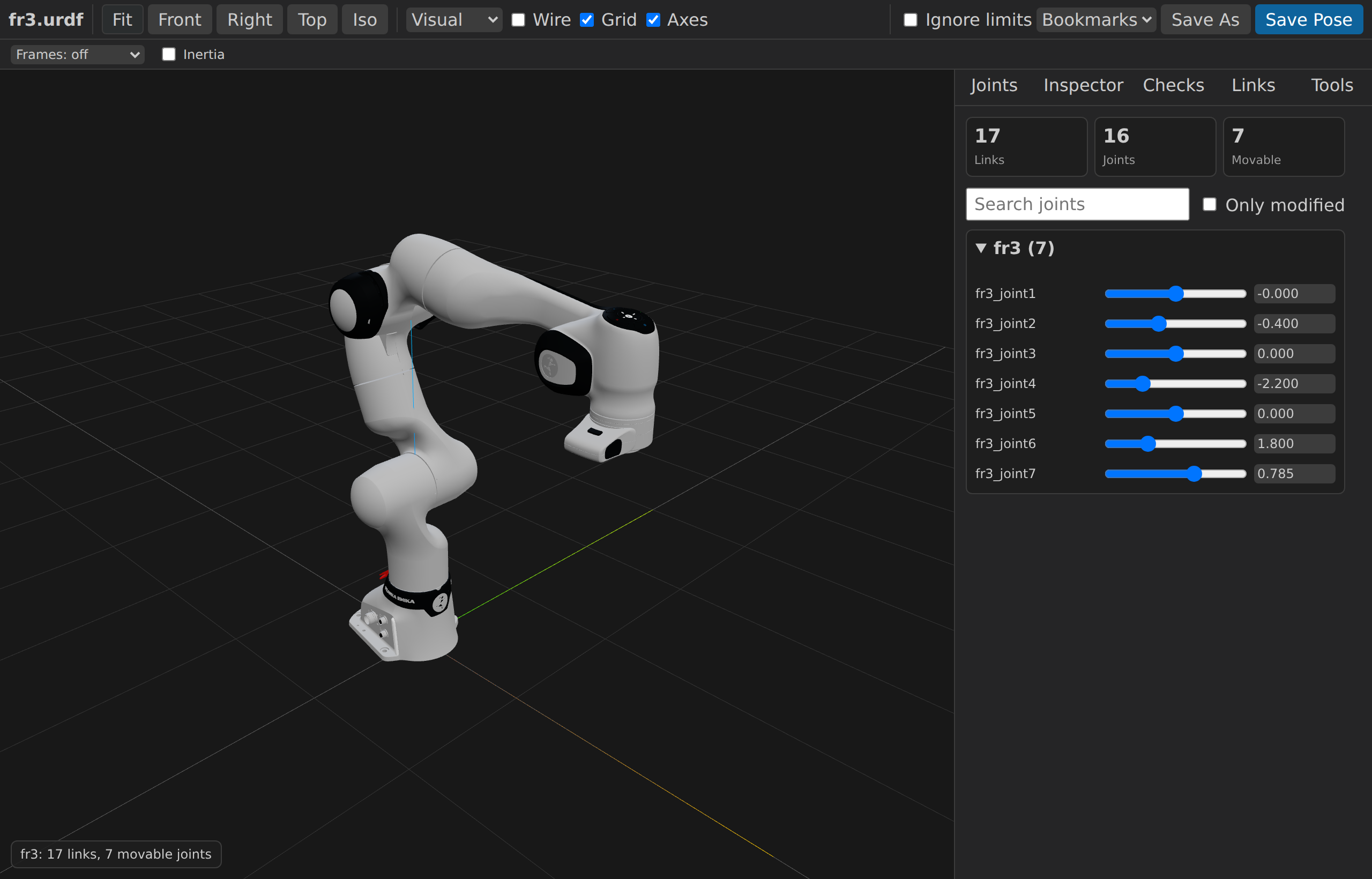
URDF Studio collapses the gap between writing a robot description file and seeing the robot. Open any URDF or xacro in VS Code and a live 3D viewport — Three.js under the hood — opens beside the source. Drive joints, swap render modes, walk the link tree, and surface model issues as inline diagnostics.
Beyond inspection, URDF Studio is built for authoring SRDF files: Monte-Carlo collision sampling to find self-collision pairs, workspace reachability clouds, pose bookmarking, and language services (hover, go-to-definition, document symbols, quick fixes) for URDF/SRDF/YAML.
Highlights
- Interactive 3D viewer with orbit/pan/zoom and preset angles
- Native URDF + xacro with on-the-fly expansion
- Joint sliders for revolute, continuous and prismatic joints
- ROS `package://` URI resolution
- Render modes (visual / collision / both, wireframe toggle)
- Link tree, TF frames, inertia ellipsoids
- Real-time diagnostics surfaced as VS Code issues
- SRDF / YAML support — joint groups, named states
- Monte-Carlo self-collision sampling
- Workspace reachability cloud generation
- Pose bookmarks + screenshot export
- Mesh formats: STL, COLLADA, OBJ, glTF / GLB
Install
Install from VS Code Marketplace — search "URDF Studio" or `deyuf.urdf-studio`Gallery